A paper business card or a QR code? BC Scanner helps turn the details into a contact you can review before saving.
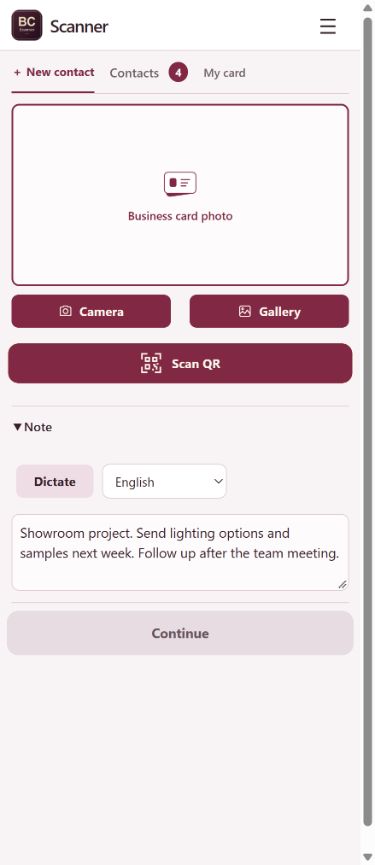
Take a photo or choose one from your gallery
Reading business card details
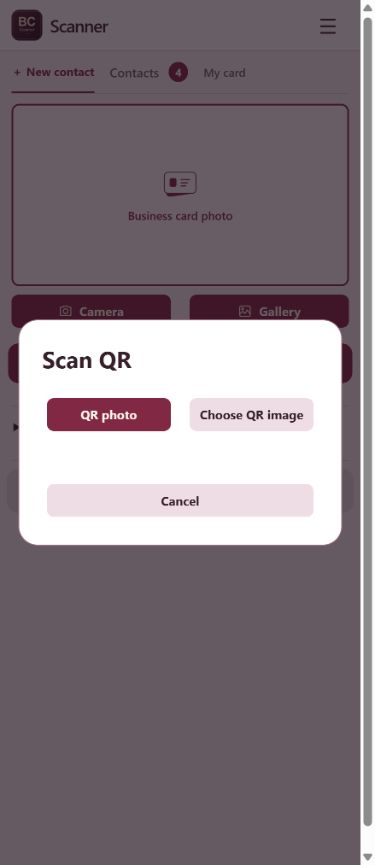
Read a contact from a QR code
Review and correct before saving
Demonstration view · sample details
02 / 06
Remember the conversation, not just the name.
Dictate the key points after a meeting. The note stays with the contact, so you can pick up where you left off.
Turn dictation into text
Type and edit notes manually
Keep contact details and context together
Demonstration view · sample details
03 / 06
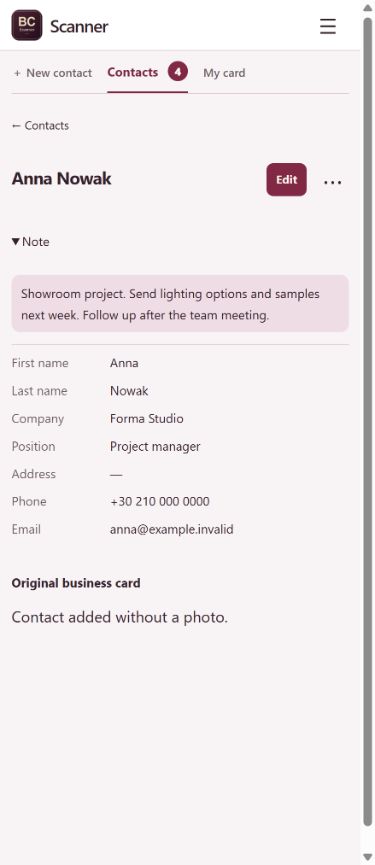
Find the person when you need them.
Your contacts do not have to become another pile of business cards. Browse, search and organise them into categories.
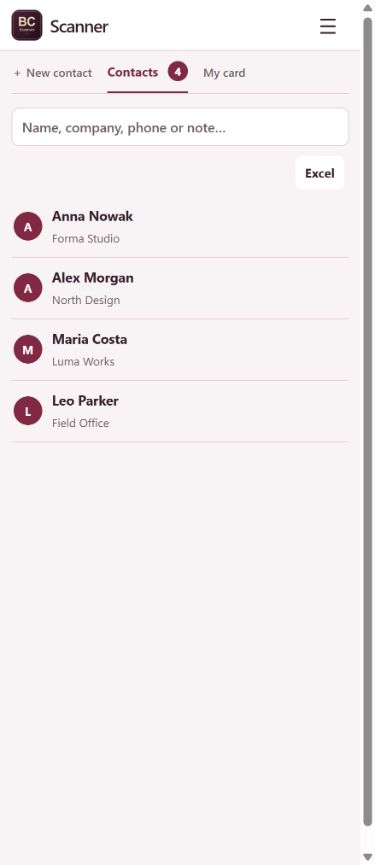
Search and browse saved contacts
Categories to keep things organised
Edit details and notes
Keep the card photo with the contact
Demonstration view · sample details
04 / 06
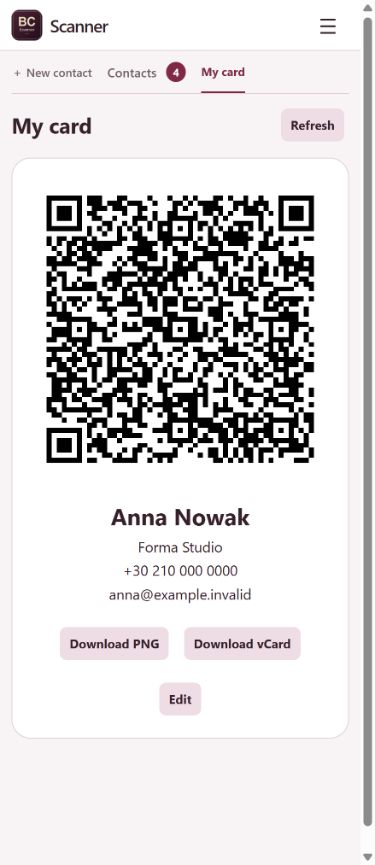
Now it is your turn to introduce yourself.
Show your own QR business card. The other person can read your details without typing them out.
Your details in a digital business card
A QR code for sharing your contact
Download the card and a PNG image
Update your details
Demonstration view · sample details
05 / 06
Contacts ready for the next step.
Keep contacts in a useful format and work with the details in your everyday tools.
A PDF with contact details
Export your database to Excel
vCard / VCF file
Open the add-contact form on your phone
Demonstration view · sample details
06 / 06
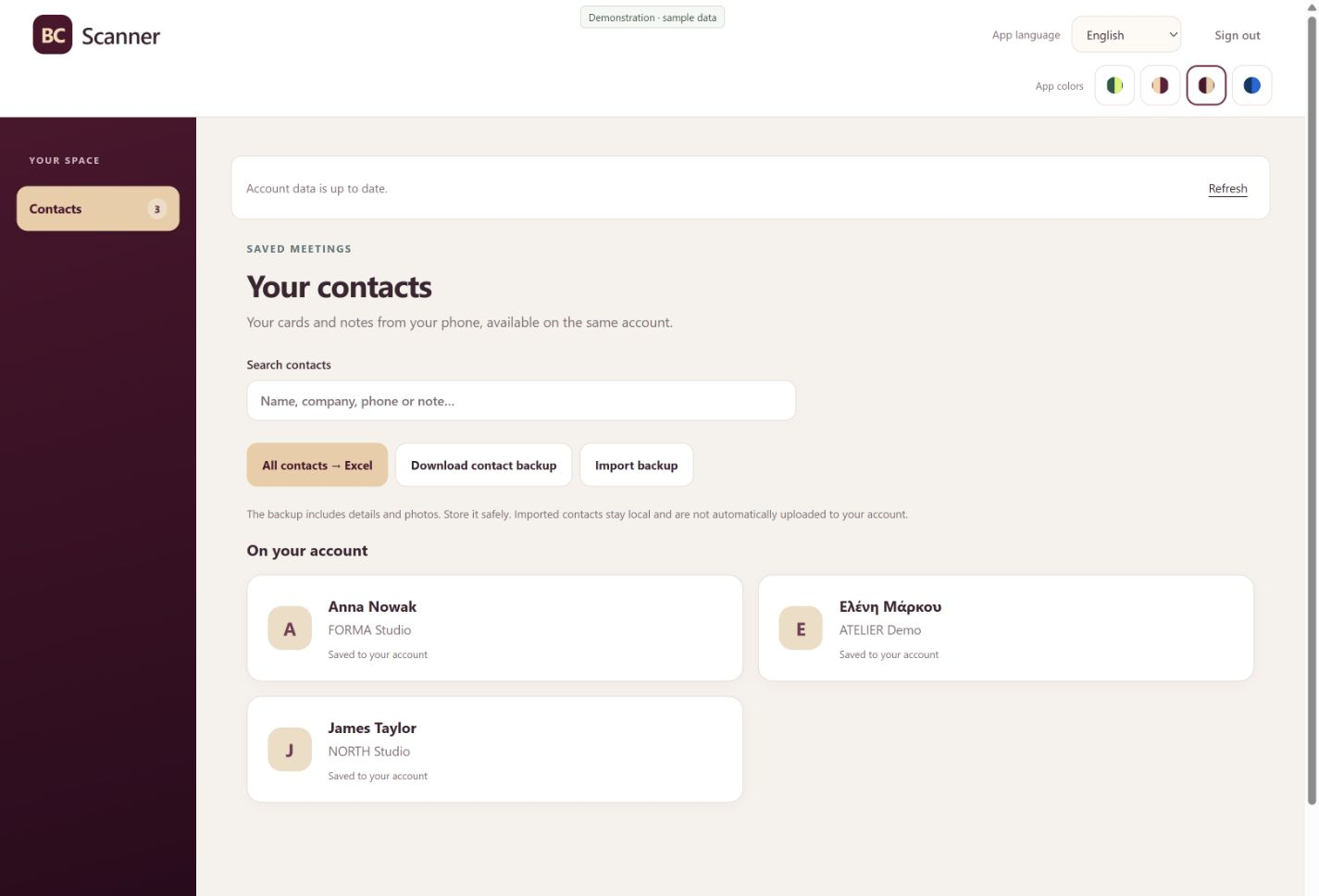
Phone at the fair. Computer afterwards.
Open your saved database in a browser with the same account. Review your contacts and prepare the next steps on a larger screen.
One account in the app and on the website
Access your saved contact database
Work with the list on your computer
PL / EL / EN interface
Demonstration view · sample details
02 / THE BC SCANNER ADVANTAGE
A contact holds details. A connection needs context.
The name, the business card and the meeting note in one place. Bringing scanning, dictation and a desktop database together helps you turn a first meeting into the next conversation.
01
At the stand
Scan a business card or QR code.
02
After the conversation
Dictate what you talked about.
03
Back at your desk
Open your database and plan the follow-up.
In development · sending unavailable
Newsletters with your own identity.
A separate module to continue the conversation after a meeting. Choose a category and recipients, design your campaign and review the preview.
Choose recipients
Use categories to find the right contacts. Only contacts subscribed to your newsletter can join a campaign.
Design the campaign
Write the subject and message, then check the preview before sending.
Send as your business
Planned sending from your own verified domain with your own sender identity.
Try a sample campaignFictional contacts · no sending
Hello,
Thank you for the conversation and your interest. Let’s follow up on the ideas we discussed.
Best wishes,
The Example Studio team
Preview only. Nothing will be sent.
Scanning a card does not grant marketing consent. Newsletter is a separate subscription in preparation. Sending is not yet available.
First month: €24.90 net · 500 recipients / 2000 messages
One-time prepayment. Your month starts at activation, with no automatic renewals. Activation within 24 hours of payment or we will initiate a full refund. A business sender domain is required. Choose any subsequent subscription separately after this month.
A separate newsletter subscription, independent of scan packs.
One account on your phone and on the website.
Team subscription in preparation · purchasing unavailable
Work professionally. Build your team.
When the business is created, its owner is the administrator by default — no separate person is needed. The owner pays only for people who scan. Each employee will have their own account by invitation, with a shared company contact database on the computer.
€8.90/ scanning person / month
VAT included
100 scans per month for each person who scans.
Managing, viewing and exporting do not require a paid scanning plan. Each scanning person has their own 100 scans per month for €8.90, with no shared pool.
Owner = administrator
Manages invitations and subscriptions. Views and exports all company contacts with an “Added by…” attribution.
Employee
Their own account and access by invitation. Sees their own company contacts.
Owner who also scans
Needs their own 100-scan plan at €8.90 per month. Counts as one additional scanning person.
Company licences and billing are planned and not yet available to purchase.
Good to know
Does card recognition need an internet connection?+
Yes. Card photo recognition requires an internet connection. Review and correct the extracted details before saving.
How do voice notes work?+
Dictation turns speech into text attached to a contact. Availability depends on the device, its services and microphone permission. You can also type or edit your note.
Can I open my contacts on a computer?+
Yes. Use the same account in the app and on the website to access your saved contact database.
Can the app send newsletters already?+
Newsletter is a separate subscription in preparation. Sending is not yet available.
Do scans expire?+
No. Packs do not expire. Each purchase adds scans to your balance.
Do prices include VAT?+
Choose a country to see the full price including VAT. For business purchases, applicable tax treatment is determined from business details before payment.